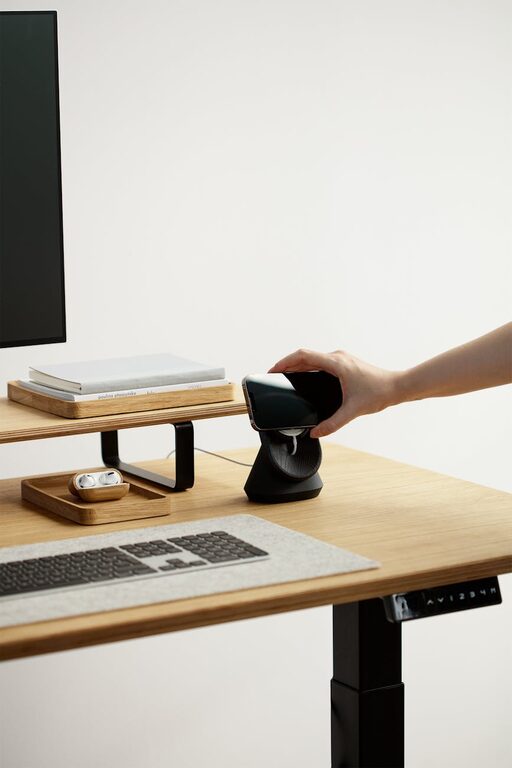
Creating a home office that is both cozy and functional can make a big difference to your daily work experience, especially when remote work has become more common. A well-designed workspace not only improves productivity but also helps you feel relaxed and focused. Here are some tips to help you set up a home office that combines comfort with efficiency.
Choose the Right Location
Selecting the right spot for your home office is the first step. Ideally, find a quiet corner or room with enough space for your desk and accessories. Natural light is a big plus — it helps reduce eye strain and can improve your mood during long work hours.
Consider Privacy and Noise Levels
Try to situate your workspace away from busy areas or noisy appliances. If that’s not possible, noise-cancelling headphones or soundproofing options like rugs and curtains can help reduce distractions.
Invest in Ergonomic Furniture
Comfort is key for productivity. An ergonomic chair and desk help maintain good posture and prevent discomfort during extended working sessions.
– Chair: Look for adjustable height, lumbar support, and cushioning.
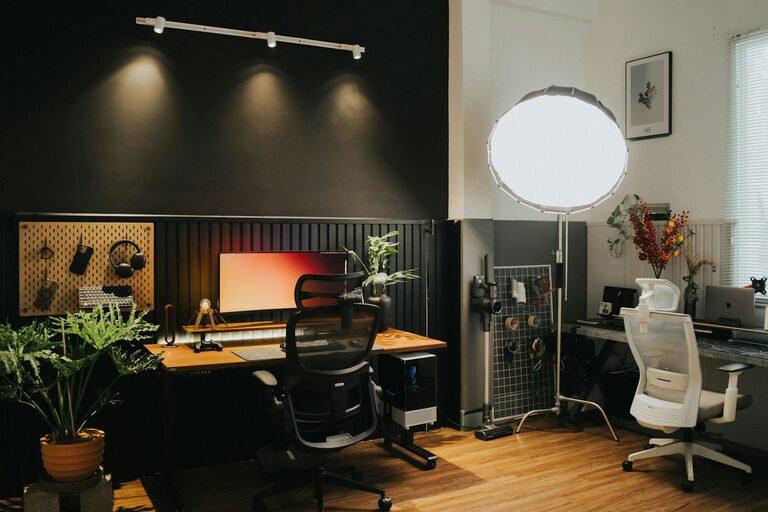
– Desk: Consider a desk with enough surface area for your computer, notebooks, and other essentials. Adjustable desks that allow standing and sitting are also great options.
Organize Your Space Efficiently
A clutter-free environment supports a clear mind. Use storage solutions to keep your workspace tidy and all your items within easy reach.
Storage Ideas
– Drawer organizers
– Shelves or bookcases
– Desk organizers for pens, papers, and gadgets
– Cable management systems to keep cords neat
Personalize Your Workspace
Adding personal touches can make your home office feel more inviting and inspiring.
– Choose a calming colour palette that you enjoy.
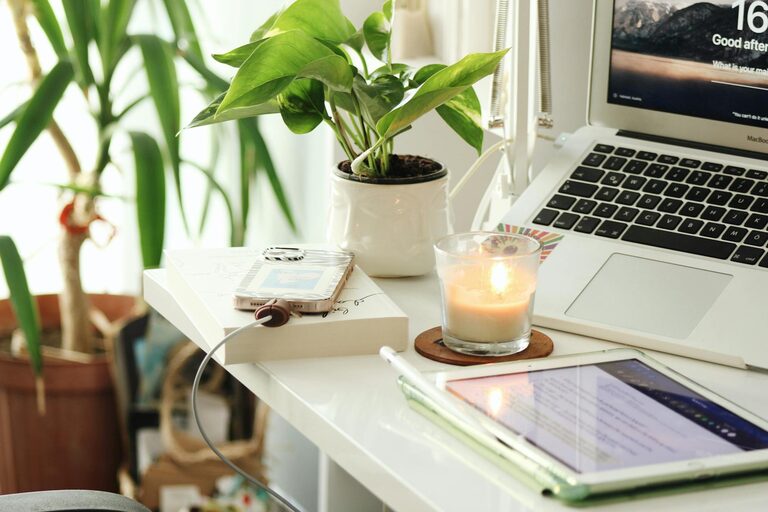
– Add plants for a touch of nature and improved air quality.
– Hang artwork or photos that motivate you.
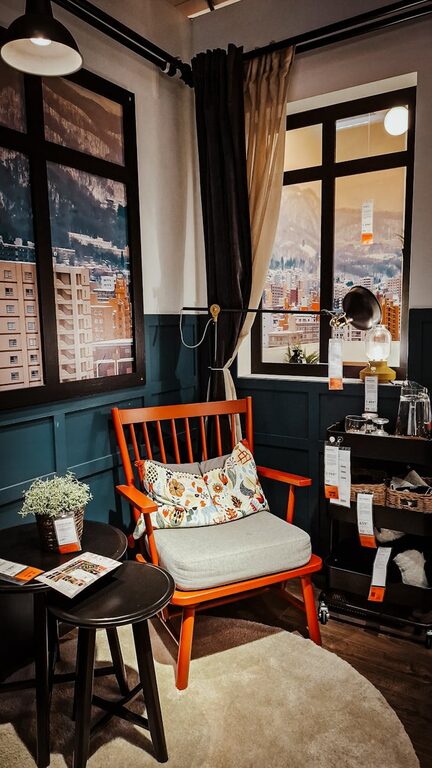
– Use soft textiles like cushions or throws to add warmth.
Optimize Lighting
Good lighting reduces eye strain and sets the right mood.
– Maximise natural daylight when possible.
– Use adjustable desk lamps with warm light.
– Avoid harsh overhead lighting. Soft, indirect light is preferable for focus and comfort.
Incorporate Technology Thoughtfully
A functional home office needs the right tech, but avoid overcrowding your space.
– Invest in a reliable computer or laptop.
– Use a good quality monitor positioned at eye level.
– Consider wireless devices to reduce cable clutter.
– Ensure you have stable internet and necessary accessories like printers or scanners nearby.
Create Zones for Different Tasks
If your space allows, create specific zones to separate work types:
– A main desk area for computer work.
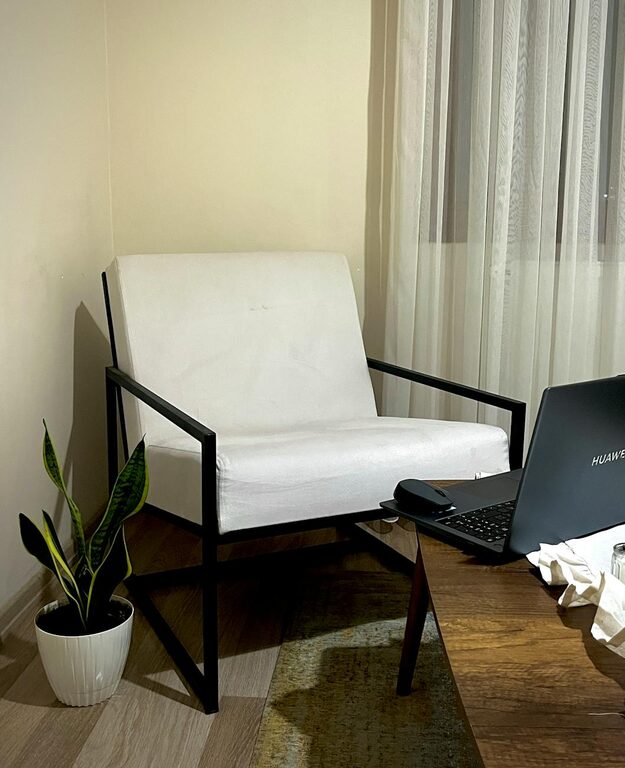
– A reading or brainstorming nook with a comfortable chair.
– Storage zone for documents and supplies.
This helps maintain organization and keeps the workspace dynamic.
Establish Boundaries
Especially in shared homes, setting clear boundaries helps you maintain focus and balances work and personal life.
– Use room dividers or curtains to mark your office area.
– Set specific office hours.
– Communicate your workspace rules to family or housemates.
Regularly Refresh Your Space
Over time, your needs and preferences may change. Take time every few months to clean, reorganize, and update your workspace to maintain comfort and functionality.
—
By applying these tips, you can create a home office space that not only looks good but also supports your work habits and wellbeing. A cosy, functional workspace will make it easier to stay motivated and productive throughout the day.
About the Author