Creating a home workspace that balances comfort and productivity can greatly improve your work-from-home experience. A relaxing environment not only reduces stress but also helps you stay focused and motivated. Whether you’re tackling daily tasks, attending virtual meetings, or brainstorming creative ideas, having a well-designed and soothing workspace is key. Here are some helpful tips to set up a home office that feels comfortable and encourages productivity.
Choose the Right Location
Start by selecting a quiet, well-lit corner of your home. Ideally, this should be away from distractions like TV noise or heavy foot traffic. A space near a window can provide natural light, which has been shown to improve mood and energy levels. If natural light isn’t an option, invest in good-quality artificial lighting that doesn’t create glare or strain your eyes.
Prioritize Ergonomics
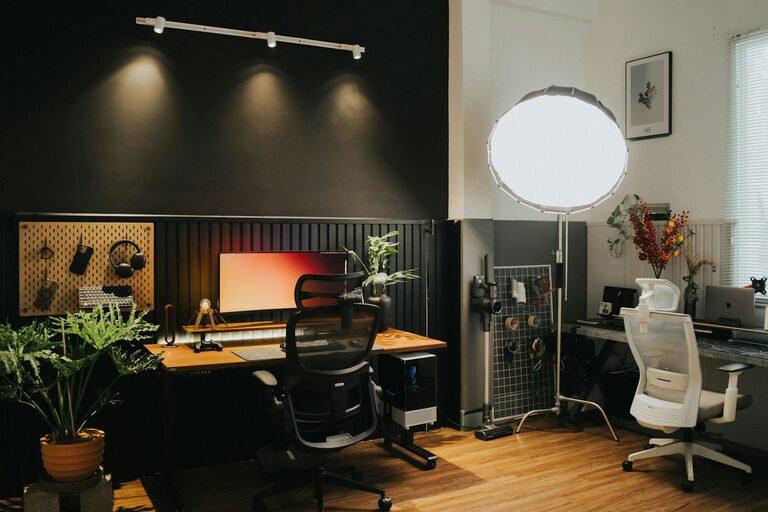
Comfortable furniture is essential for long working hours. Invest in an ergonomic chair with proper lumbar support to prevent back pain. Your desk should be at a height that allows your arms to rest comfortably while typing. Position your computer screen at eye level to avoid neck strain. Using a keyboard and mouse that feel comfortable can also reduce the risk of repetitive strain injuries.
Create a Clutter-Free Environment
Clutter can be distracting and increase stress. Keep your desk tidy by using organizers, shelves, or drawers to store supplies. Regularly declutter your space to maintain a sense of order. A clean workspace helps clear your mind and makes it easier to focus on your tasks.
Personalize Your Space
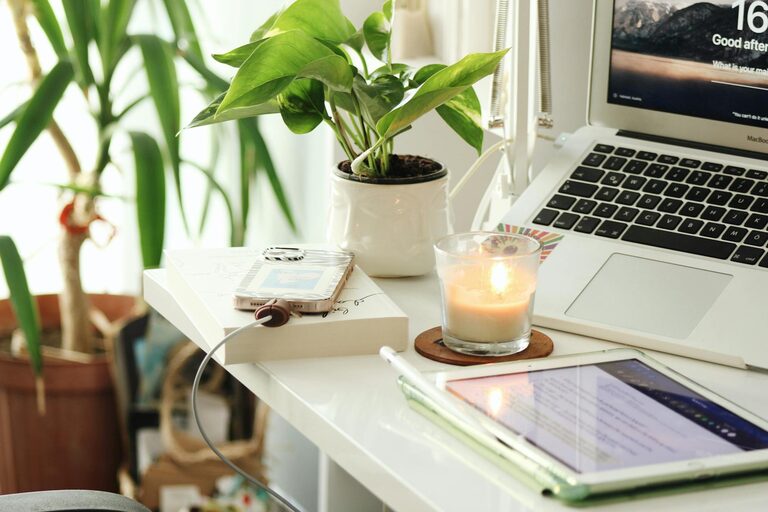
Adding personal touches can make your workspace feel inviting and reflect your personality. Consider placing a few decorative items like plants, photos, or artwork that make you smile. Plants not only look great but can also improve air quality and create a calming atmosphere.
Control Noise Levels
Background noise can disrupt concentration. If you’re in a noisy environment, consider using noise-cancelling headphones or a white noise machine. Soft instrumental music or nature sounds might help some people relax and focus better. Find what works best for you to maintain a peaceful work environment.
Optimize Lighting
Proper lighting reduces eye strain and fatigue. Use a combination of ambient, task, and natural lighting to brighten your workspace. Adjustable desk lamps are great for focused work, while softer lighting can create a cozy atmosphere. Avoid harsh overhead lights that may cause glare on your screen.
Establish Boundaries
Setting clear boundaries between work and relaxation areas helps maintain work-life balance. If possible, designate your workspace solely for work to train your brain to switch roles easily. At the end of the workday, close your laptop and tidy your desk to signal that work time is over.
Incorporate Break Areas
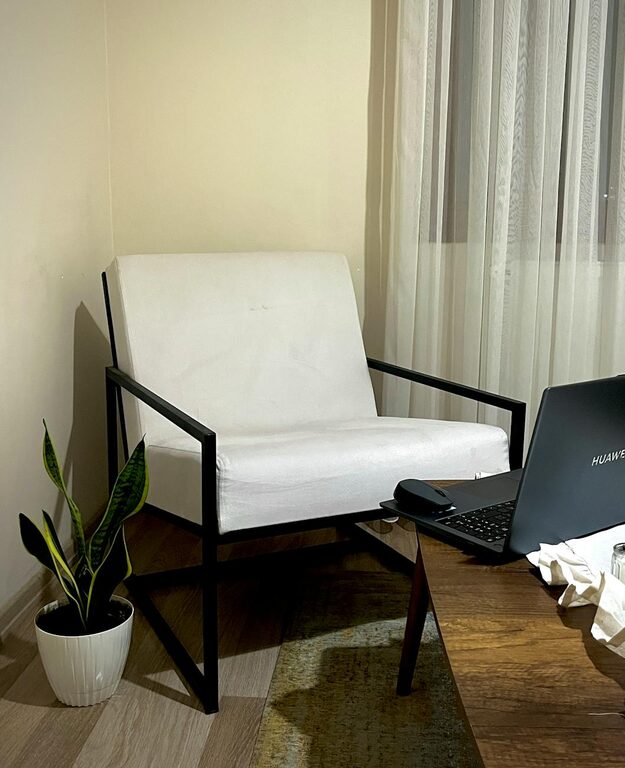
Taking regular breaks is important for productivity and well-being. If space allows, create a small area for stretching, relaxing, or having a coffee break. Even a comfortable chair or a cozy corner nearby can encourage you to step away from your desk and recharge.
Use Calming Colors
Colors influence mood and concentration. Soft, neutral tones like blues, greens, and beige create a calming effect, while bright colors can be stimulating but sometimes distracting. Choose colors that help you feel relaxed and focused in your workspace.
Keep Essentials Within Reach
Organize your workspace so that frequently used items are easily accessible. This saves time and prevents frustration when you need to grab a pen, notebook, or charger. Consider using desk trays or holders to keep essentials at hand without cluttering your surface.
Maintain Good Air Quality
Fresh air improves cognitive function and overall comfort. If possible, open windows to let in fresh air, or use an air purifier to maintain clean indoor air. A well-ventilated room helps prevent fatigue and keeps you alert during work hours.
Manage Screen Time and Posture
To prevent fatigue and discomfort, take short breaks to rest your eyes using the 20-20-20 rule: every 20 minutes, look at something 20 feet away for 20 seconds. Remember to change your posture regularly by stretching or standing up to reduce muscle tension.
—
By implementing these simple yet effective tips, you can create a home workspace that not only looks good but also feels comfortable and relaxing. This balance plays a vital role in boosting your productivity and maintaining well-being while working from home. Remember, your home office should be a place where you enjoy spending time and can perform your best.
About the Author